
Turn handwritten recipe cards into recipes you can cook from
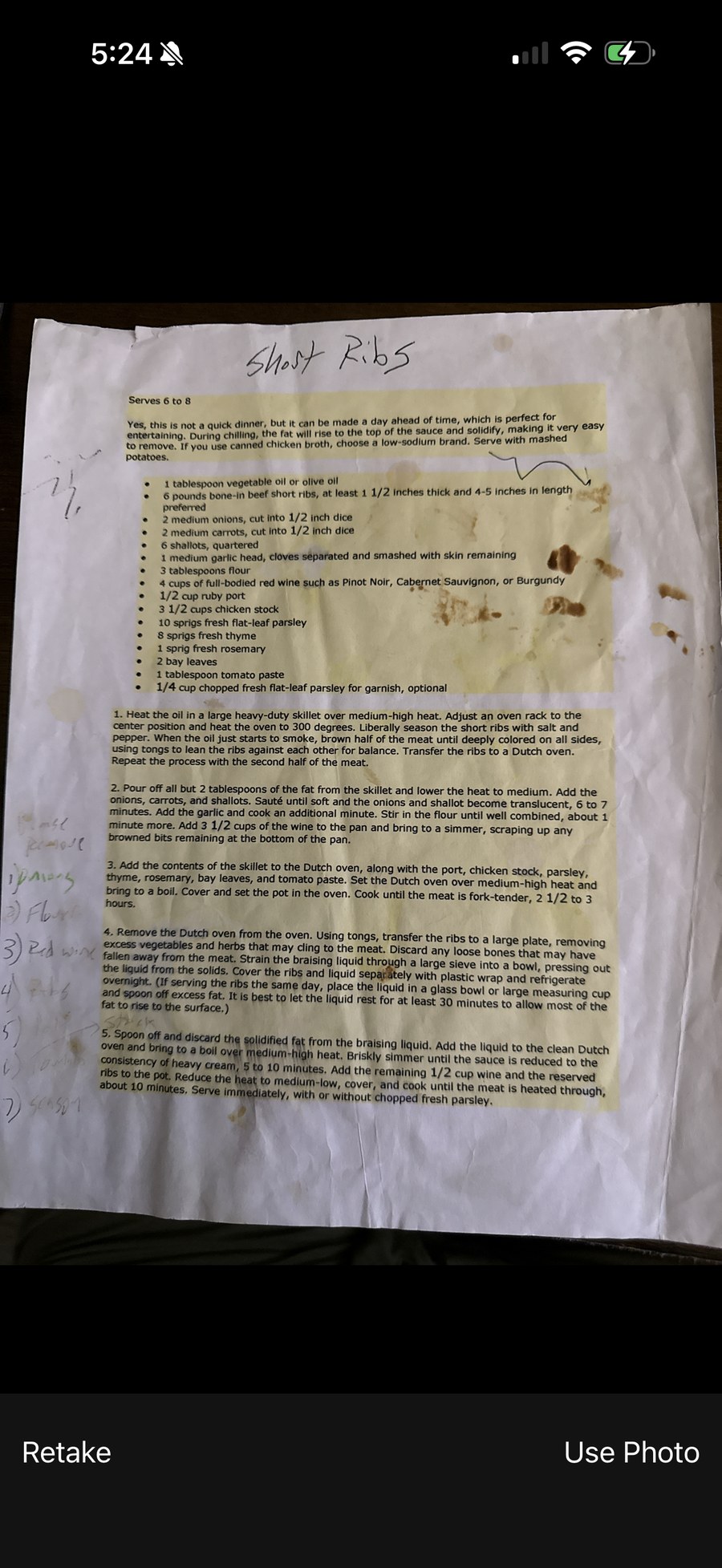
That stained index card in your grandmother’s handwriting can’t be replaced. Take a photo and feedme.recipes reads it and turns it into a clean recipe, with ingredients and steps you can search, scale and cook from. The original photo stays attached, so the handwriting is never lost.
How it works
- Take a photo of the card, or upload one you already have.
- Writing on the back too? Add both sides. A recipe that runs over several pages can have several photos.
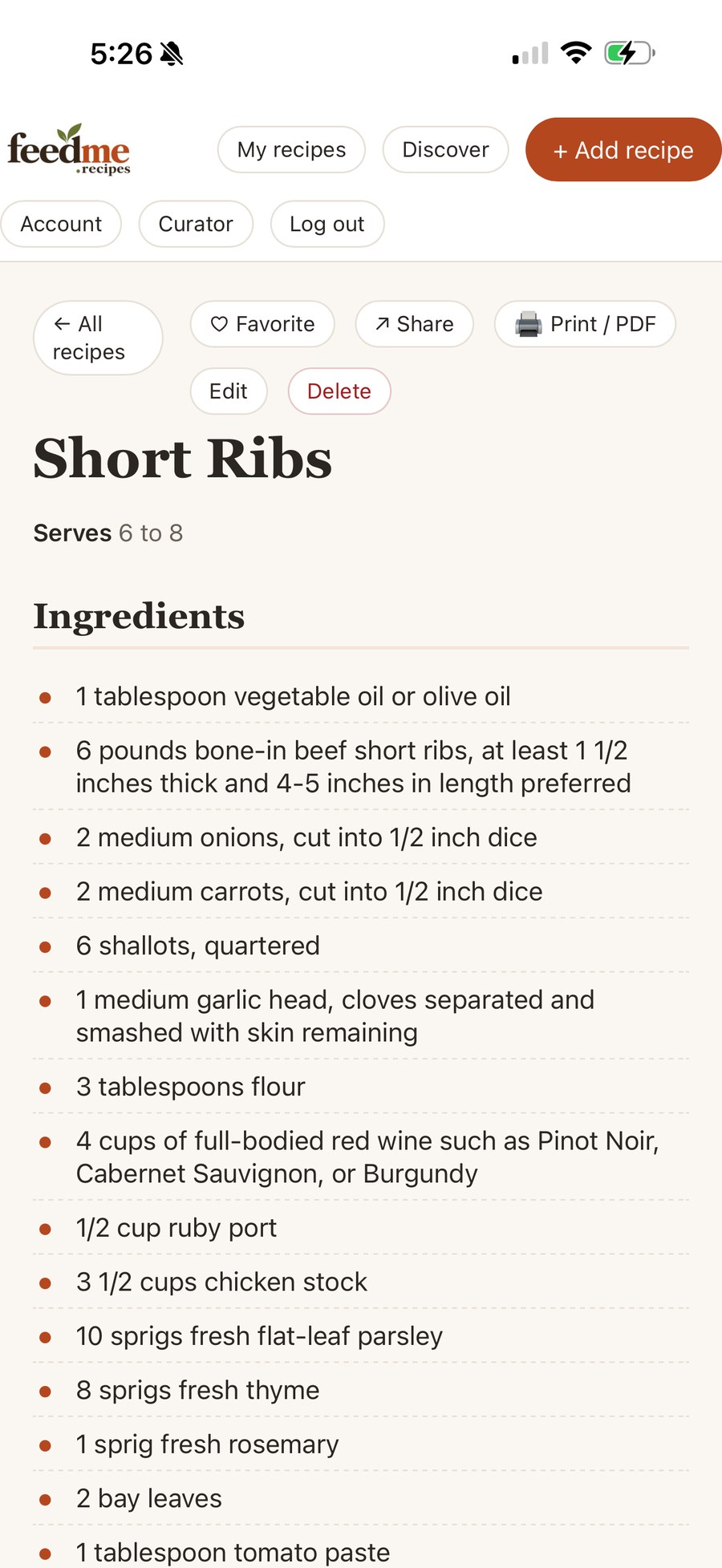
- feedme.recipes reads the writing and lays it out as ingredients and steps.
- Check the result and fix anything it misread. You always see it before it is saved.
- Save. Your original photo stays with the recipe.
Not just cards
The same works for cookbook pages, magazine clippings, printouts with notes in the margin and the pages of a family recipe binder.
Tips for a clear photo
- Use daylight from a window and avoid your own shadow across the card.
- Hold the phone straight above the card and fill the frame with it.
- Lay curled cards flat. A plain, dark surface behind a light card helps.
- Take one card per photo.
- Turn the flash off. It causes glare on glossy or laminated cards.
Share the family recipes
Recipes you add yourself, like your own cards, can be shared with a link. Anyone with the link can see the recipe and add it to their own feedme.recipes collection. Put them in a collection such as “Grandma’s recipes” so they are always together.
Before you photograph them, read our guide: How to preserve Grandma’s recipe cards.